

Notice that this website uses targeted advertisements by sharing your data with its partners.


![[FINAL UPDATE] Sprunke Phase 8 Conbienjoyer's Take](https://data.sprunke.org/sprunke-phase-8-conbienjoyers-take-final-update/cover.avif)


![Sprunke Yandere Moch [UPD 17.0]](https://data.sprunke.org/sprunke-yandere-moch-upd-17/cover.avif)
![Sprunke Garnold's Joy Phase 3 [OFFICIAL]](https://data.sprunke.org/sprunke-garnolds-joy-phase-3-official/cover.avif)


![[POLO 6 HORROR UPDATE] Sprunke PLUS](https://data.sprunke.org/polo-6-horror-update-sprunke-plus/cover.avif)



![[MR SUN UPDATE] Sprunke PLUS](https://data.sprunke.org/mr-sun-update-sprunke-plus/cover.avif)


![Sprunke Phase 1 Repaired [mini update]](https://data.sprunke.org/sprunke-phase-1-repaired-mini-update/cover.avif)
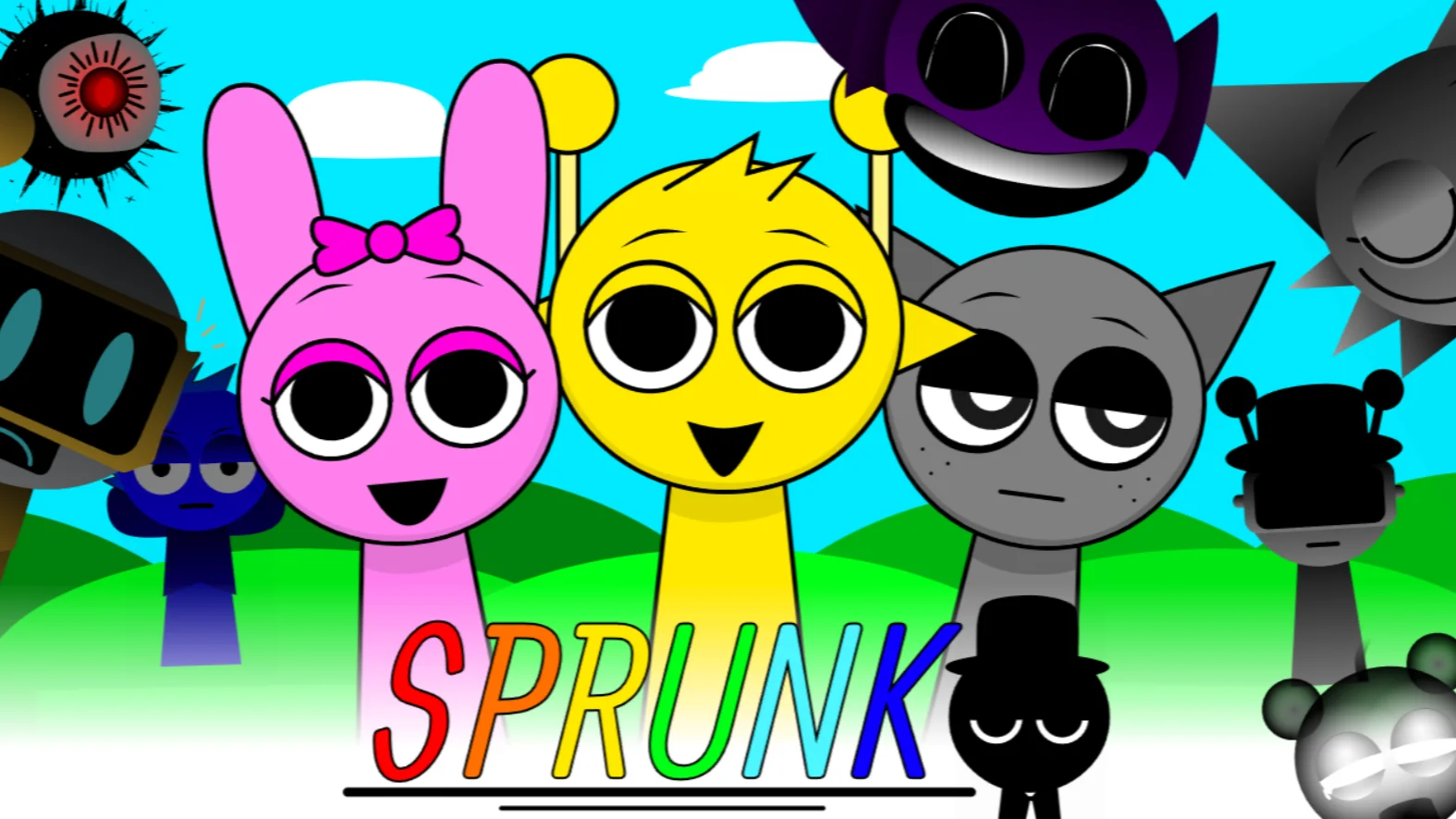





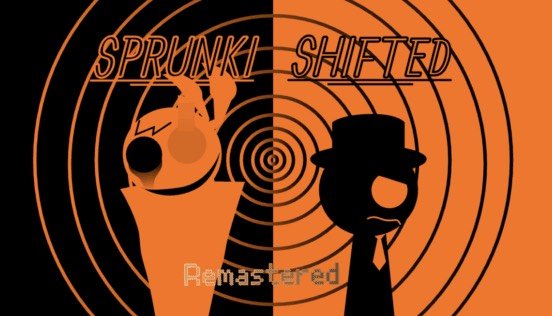
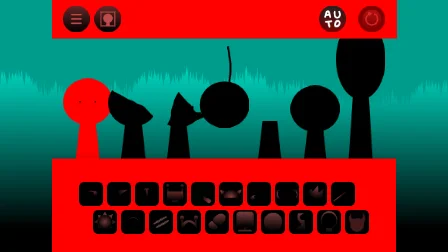
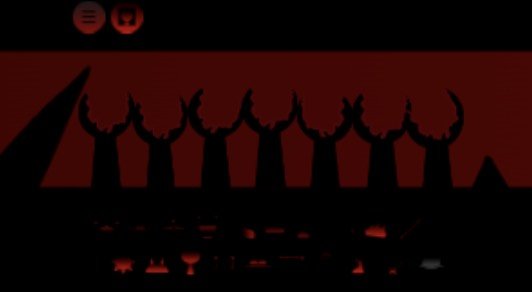

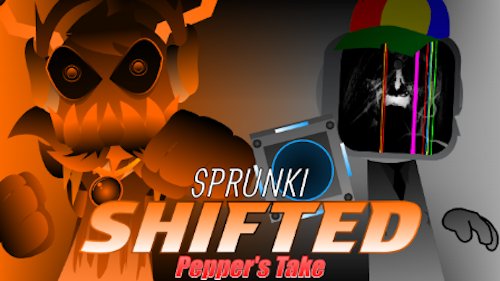
Sprunke Shifted Pepper's Take
Complete gameplay guide for Sprunke Shifted Pepper's Take. Learn drag-and-drop mixing, catalyst horror triggers, anti-shake tips, and stronger mutated Sprunki track strategies.
What is Sprunke Shifted Pepper's Take?
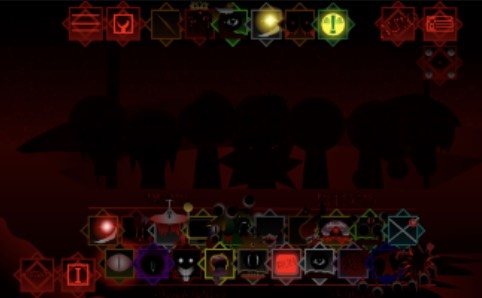
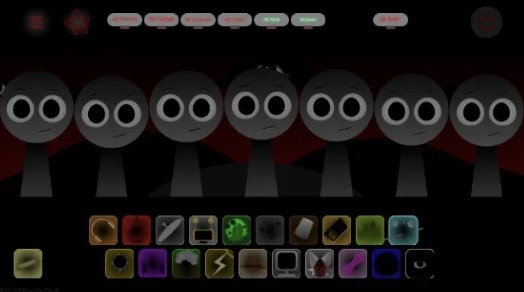
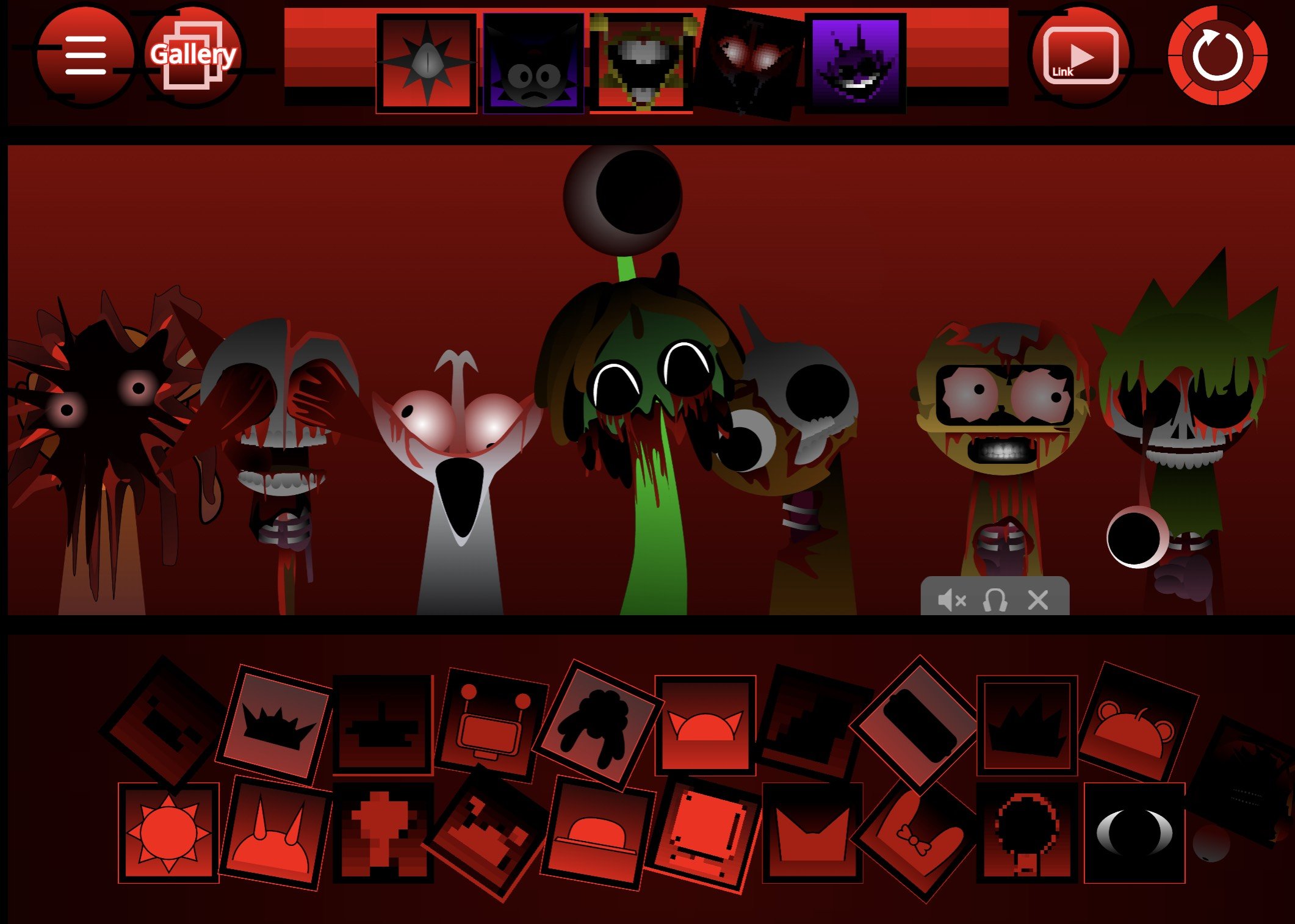
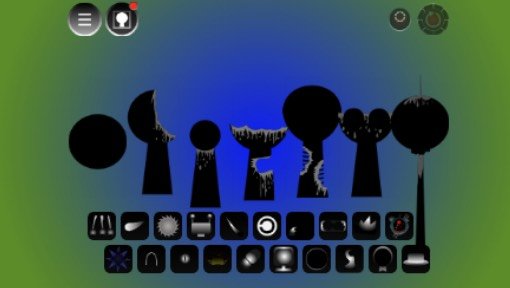
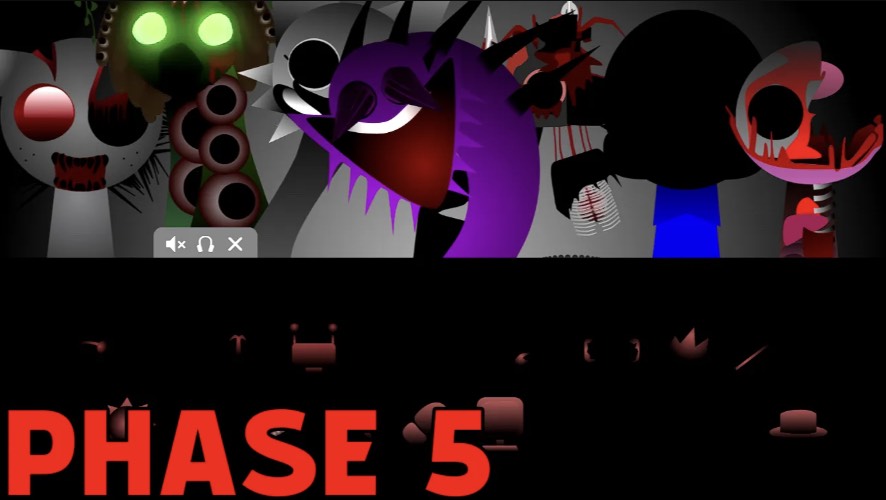
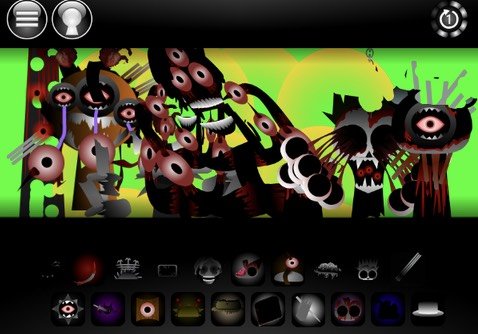
Sprunke Shifted Pepper's Take is a free online Sprunki-style music creation mod with a hard horror skin. You drag sound icons onto character slots, stack loops, and build a track while mutated Shifted designs and unstable visuals rewrite the mood in real time.
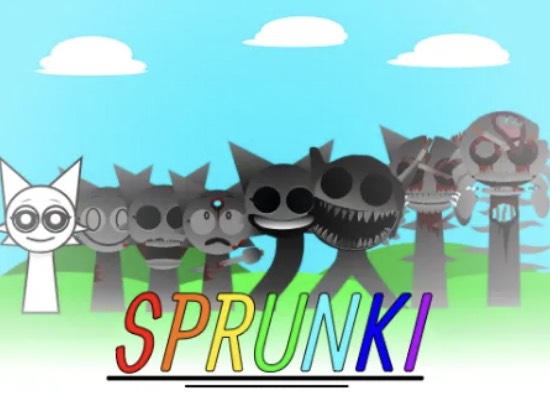
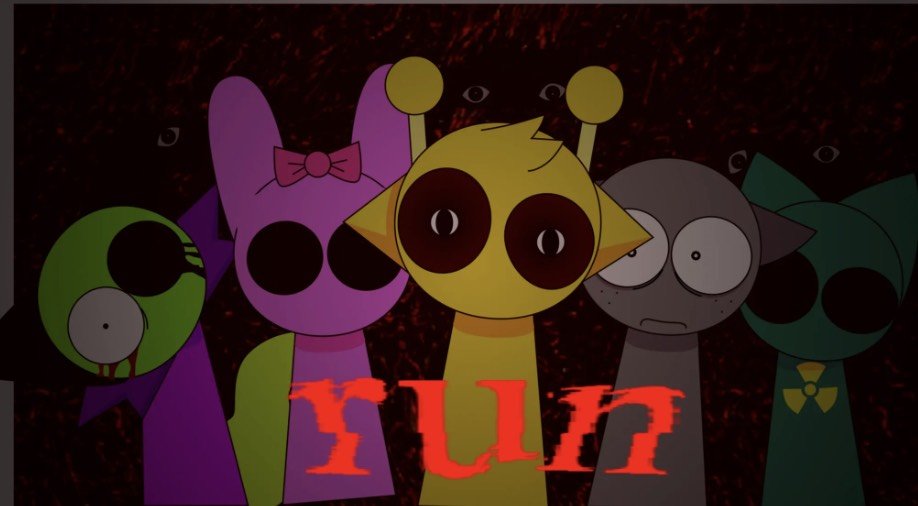
Created by Pepper666, Sprunke Shifted Pepper's Take is a fan interpretation of the Shifted / 12-Shifted idea: the Sprunki cast is no longer soft and colorful. They are infected, scorched, betrayed, or otherwise broken, and their loops follow that damage.
If you know classic Sprunki, you already understand 80% of the controls. Sprunke Shifted Pepper's Take changes the feel, not the basic verb: drag, layer, experiment, survive the drop.
How to Play Sprunke Shifted Pepper's Take?
A practical route through Sprunke Shifted Pepper's Take:
- Open the game in your browser and accept the warning screens.
- Place one solid beat character first.
- Add one dark effect for stormy / glitch texture.
- Bring in a melody that can cut through distortion.
- Add vocals last so the mix stays structured.
- Test swaps until the loop feels intentional.
- Place the catalyst icon only when you want full horror escalation.
- Clear or mute slots if the board becomes unreadable under screen shake.
That is the full core loop of Sprunke Shifted Pepper's Take. Winning is not a score—it is a mix that still hits after the Shifted phase starts screaming.
Game Features of Sprunke Shifted Pepper's Take
Gameplay-facing features in Sprunke Shifted Pepper's Take:
- Classic Sprunki drag-and-drop composing
- Mutated Shifted character roster
- Beats / effects / melodies / vocals style layering
- Catalyst horror-phase trigger
- Dynamic flash and shake responses to intensity
- Secret combo animations
- Fast, chaotic, horror-first sound design
- Browser play with quick restarts for mix experiments
These tools make Sprunke Shifted Pepper's Take useful for both short scary clips and longer “find every secret” sessions.
Why Play Sprunke Shifted Pepper's Take?
Play Sprunke Shifted Pepper's Take when you want high-impact creative output fast. In a few minutes you can produce a trailer-ready horror loop with mutated visuals already attached.
It is also ideal if softer Sprunki mods feel too safe. Sprunke Shifted Pepper's Take gives you dirty textures, unstable UI challenge, and AU flavor in one package. Casual players can still enjoy basic stacking; advanced players can hunt cleaner mixes inside the chaos.
Because Sprunke Shifted Pepper's Take is browser-based, iteration is cheap: rebuild, compare, and keep only the scariest arrangement.
Character Design of Sprunke Shifted Pepper's Take
Think of Sprunke Shifted Pepper's Take characters as sound roles with trauma skins:
- Heavy / burned bodies often carry cracked percussion and low pressure.
- Infected designs push breathy aggression and unstable synth motion.
- Betrayer designs favor cutting vocals and sharp melodic lines.
- Extreme mutation designs add screech tension and panic frequencies.
- Antagonist or crossover-style entries can act as mix breakers that flip the whole track.
In Sprunke Shifted Pepper's Take, picking a character is both an audio decision and a visual commitment to the Shifted world.
Tips and Strategies for Sprunke Shifted Pepper's Take
Use this checklist for better Sprunke Shifted Pepper's Take mixes:
- Anchor first: one reliable beat before any screech layer.
- Limit early chaos: two harsh effects max until the groove is clear.
- Gate the catalyst: unlock horror phase only after the base arrangement works.
- Fight the shake: drag during quieter bars; hold icons firmly.
- Cap intensity if needed: 4–5 characters can be scarier and more controllable than a full board.
- Solo diagnose: mute from the top until mud disappears.
- Theme the ending: either full collapse or cold aftermath—choose one.
- Save icon order: write down combos that unlock strong animations.
- Protect your eyes: lower brightness, raise room light, respect flash warnings.
Follow these habits and Sprunke Shifted Pepper's Take becomes a controlled nightmare instead of accidental noise.
Community Engagement of Sprunke Shifted Pepper's Take
Players of Sprunke Shifted Pepper's Take share three things constantly: scariest full mixes, catalyst trigger clips, and character lore charts. Showcase creators push high-framerate captures because the shake and flash effects are part of the spectacle.
If you post about Sprunke Shifted Pepper's Take, include practical details—icon order, whether the catalyst was used, and how many slots were filled. That helps the community copy, improve, and debate mixes instead of only reacting to the scare.
Sprunke Shifted Pepper's Take FAQ
Is Sprunke Shifted Pepper's Take hard to control?
The controls are simple, but heavy screen shake can make dragging harder during peak drops.
How do I trigger the darkest phase in Sprunke Shifted Pepper's Take?
Add the catalyst icon (commonly linked to a black hat / Pepper trigger) after building your base mix.
Can I play Sprunke Shifted Pepper's Take on mobile?
Many hosts support mobile browsers, though desktop usually gives better drag precision.
Do I need downloads?
Usually no. Sprunke Shifted Pepper's Take is commonly played directly in-browser.
Is musical experience required?
No. Loop stacking is beginner-friendly.
Who should avoid Sprunke Shifted Pepper's Take?
Players sensitive to flashing lights, intense shake, gore-leaning horror aesthetics, or harsh audio should proceed carefully or skip the full horror phase.